

 ReviMate Pro
Guides
How to get your Google Business Profile link

28
Sep
Sep
Sharing your Google Business Profile link can help you to get more positive reviews for your business by taking satisfied clients to the correct business profile. Follow the steps below to share your Google Business Profile with satisfied customers.
1
- Go to https://business.google.com/locations to see your businesses.
- Next, click on the business that you would like to get the review link for.
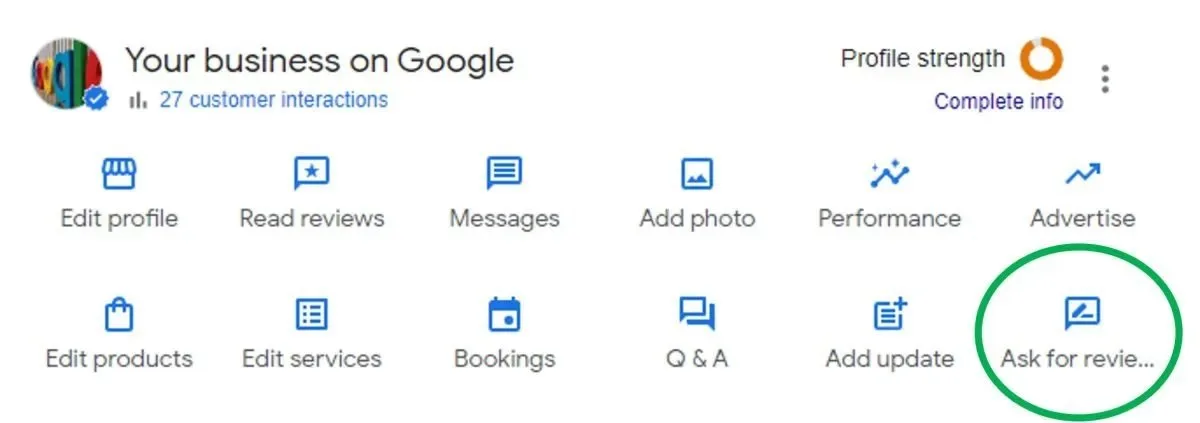
- When the page loads in Google Search results, at the top of the page, you will have options. Click on the “Ask for reviews” button.
2
Copy the link to share it.